Georeferencing with QGIS
For ref: https://guides.library.ucsc.edu/DSCguides/QGIS_GeocodingAddresses
Visualization of spatial data often requires a preliminary step of assigning geo-coordinates (like latitude and longitude) to more familiar human usable names, like cities or addresses.
Let’s say you wanted to visualize where a group of factory workers lived, or analyze the relationship between grocery stores and property values. In these cases (and a zillion like them), you’ll have specific point data you’ll want to visualize on a map.
Even if you have a long list of addresses, there’s no way for QGIS to know how those addresses should be located on a map. When you load data into QGIS, it is expecting–and in fact requires–any spatial data to have geo-coordinates that it can understand.
Although QGIS will not do the work of figuring out geo-coordinates from addresses for you, there is an easy-to-use plug-in that can do exactly this.
Install MMQGIS plugin
We are going to use a popular plugin called MMQGIS. For more on the plug-in in general, see the MMQGIS page. This tutorial focuses on the most common case of geocoding a list of addresses, but the plug-in is capable of much more.
To install the plug-in, Click on the Plugin menu tab, then “Manage and install plugins”. Search for “mmqgis”, and install the plugin.
You’ll now notice an MMQGIS option on the top menu bar.
Preparing your data
We need to create a file with a list of addresses that we want to look up. We need to use a plain text file rather something like a Word file because we don’t want any extraneous information the in the file (there is a lot of extraneous information in Word files to preserve formatting). Plain text files, as the name implies, plain text. More specifically we want to create a CSV file (CSV = Comma Separated Values).
If you are not familiar with plain text editors, like NotePad++, you can use an Excel worksheet and save it as a CSV file.
Open Excel Paste in list of places Want to be as specific as possible Let’s have a column for cities, and a column for state. Paste your data into Excel, or type it in by hand.
Let’s say we want to visualize the size of cities in New Mexico (because, who wouldn’t?). A quick search gets us the data we need from this page.
Let’s move this into an Excel file and save it as a CSV file.
If you want a sample file for this tutorial, you can use this Excel file, which will save this CSV file.
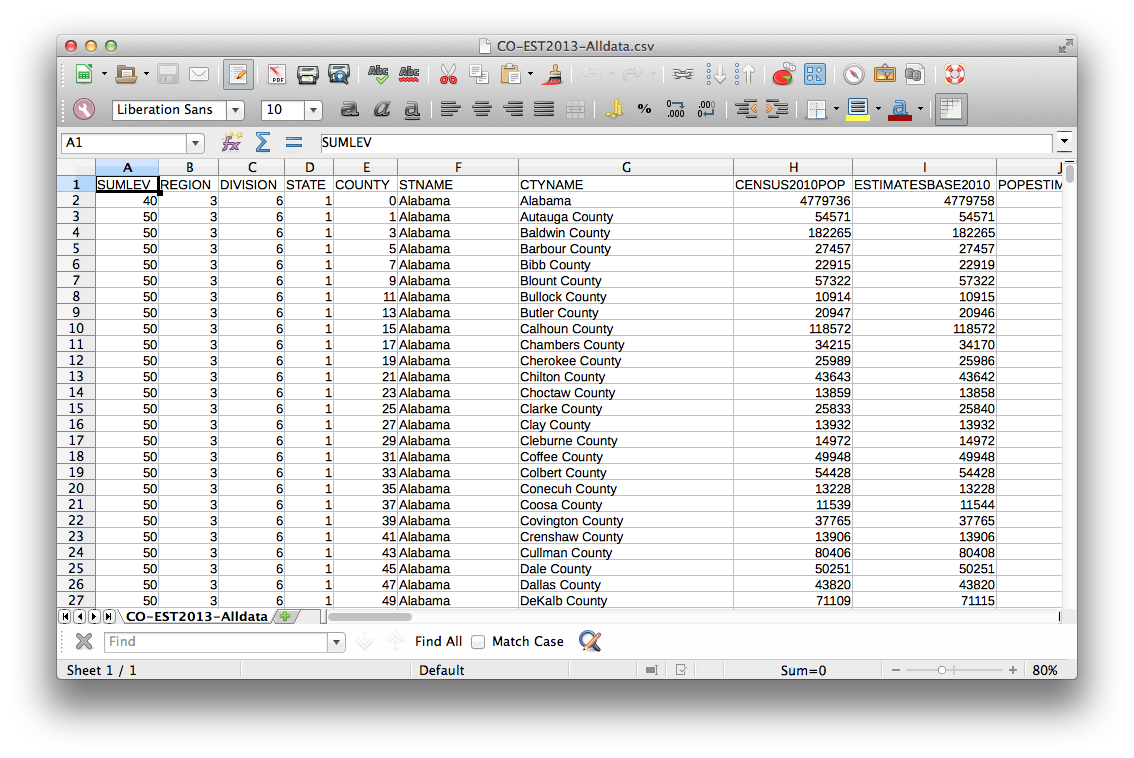
The sample file is a simple two-column spreadsheet that looks like:
And the CSV version is less visually striking, but straightforward from a text standpoint. This is exactly the format that the MMQGIS plugin requires to geocode these placenames.
From the MMQGIS menu, select Geocode and “Geocode CSV from Web Service”. From “Web Service”, pick OpenStreetMap / Nominatim.
MMQGIS will save our geocoordinates to a shapefile that we can easily load onto a map.
[walk through basic options]